Connecting with your Web Browser
Point your favorite web browser to http://localhost:8080 (if you installed locally for testing) or to the officially configured production URL (with SSL encryption).
Your browser should automatically switch to the Zingoolarity splash screen of your installation:
(Zingoolarity splash screen)
Now click anywhere on the welcome screen to switch to the main menu:
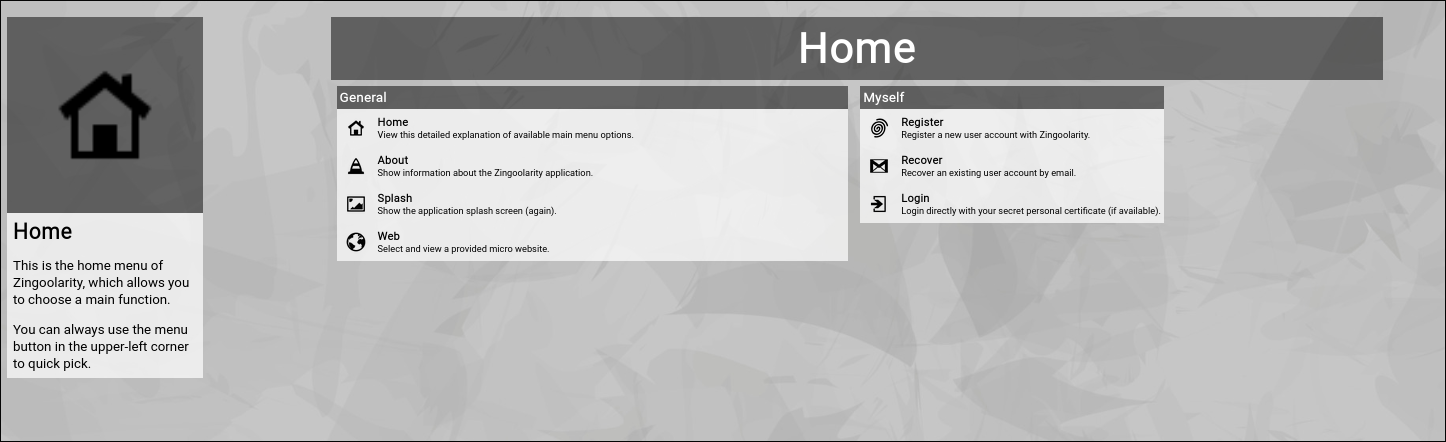
(Zingoolarity home screen)
As you can already see, this is quite a clean and simple view of the available menu options, quickly explaining the details of each point.
As you have not logged in yet, only a couple of menu options are available.
This is called the home screen (or home page).
If the "Simple UI" is subscribed in your profile screen, instead of the home page the main topic view (the topmost element of all of the topics) will be rendered in Context view mode:
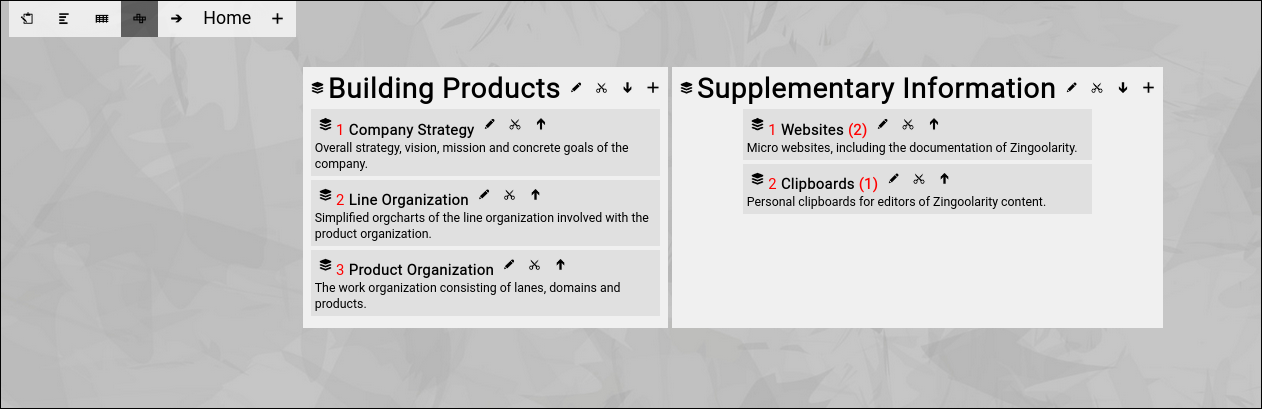
(Zingoolarity example main topic screen)
This lets you directly dive into the content (without navigating the home page first). | 




