Introduction
Installation
Start
General
Myself
TOPICS
Main
Configuration
System
Websites
Update
Downloads
Copyright+License
Zingoolarity Homepage General
Table of Content
Showing About Information
Back to the Splash Screen
Visiting Micro-Websites without Login

General

The general functions of Zingoolarity are always available, independent of your login state.


Showing About Information

Showing About Information

Select the About option from the Zingoolarity home page or the main menu.

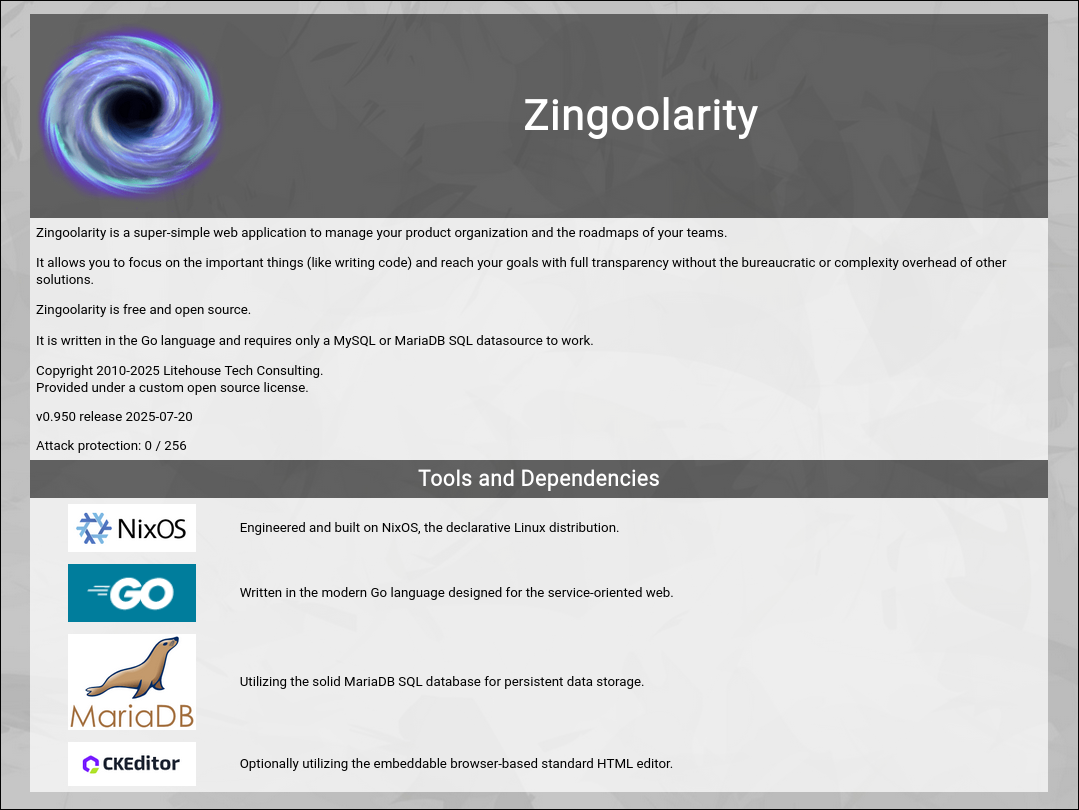
The About page shows information about the Zingoolarity app, containing a short description, information about the current release and some references to open source dependencies.


(Zingoolarity about screen)

Back to the Splash Screen

Back to the Splash Screen

Select the Splash option from the Zingoolarity home page or the main menu.

This option brings you back to the initial splash screen, in case you want to redisplay it for any reason.


(Zingoolarity splash screen)

Visiting Micro-Websites without Login

Visiting Micro-Websites without Login

Select the Web option from the Zingoolarity home page or the main menu.

The Web page lists any available micro-websites in your Zingoolarity instance.

If you have not performed a login operation yet, only websites will be shown which are available for the public.

This can be for example the default homepage of Zingoolarity, if you visit www.zingoolarity.com on the Internet.

Micro-websites are actually the 4th view on topics.

You can create nested topics of types Website, Web Background, Web Menu and Web Content in Contextmap view mode.

The Web page will list all topics of type Website and clicking on the topic name in the list will invoke the micro-website view (if there is only one, it will be invoked directly without showing the list first).

For more details about micro-websites, see the last chapter of this getting started guide.
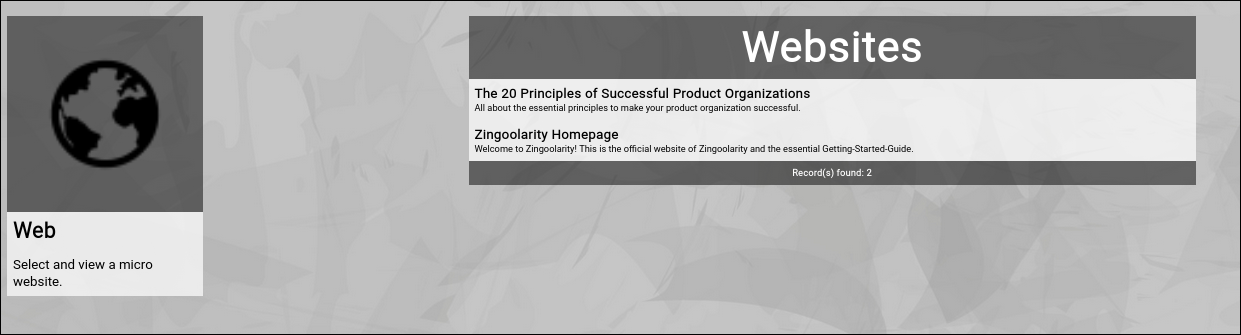

(Zingoolarity micro-website selection screen)