Introduction
Installation
Start
General
Myself
TOPICS
Main
Configuration
System
Websites
Update
Downloads
Copyright+License
Zingoolarity Homepage System
Table of Content
Viewing the Source Code
Finding Phrases in the Source Code
Checking for Missing Translations
Checking for Superfluous Translations
Importing Data
Checking Data Model Integrity
Performing an Update
Restarting an Instance
Shutting Down an Instance

System

The Zingoolarity system functionality deals with Zingoolaritys system management.

It provides functions to view and examine the (open) source code and manage the Zingoolarity instance and its database.

All system-related functions require administrative access level (a user account with the Admin attribute set to yes).


Viewing the Source Code

Viewing Source Code

The Code function shows a list of all the code modules, which together form the Zingoolarity application.

You can filter for a subset of modules by name.

If you specify a wildcard filter, only the modules will be shown, which wildcard-match the provided filter.

For example entering

lang

will show you all the language translation libraries of Zingoolarity.


(Code screen of Zingoolarity)

The list will show you the following information:

  • The filename, which is the name of the module.
  • The Details, which are part of the header of the source file as a ZML [codedoc] tag.
  • The number of lines of code of the source file (LoC).
  • The date and time of the last modification of the source file.
  • The size of the source file.

You can click on the filename (or the View button on the right) to display the color-highlighted source code, if you want to study the code in detail.

Please note that this command does not allow editing of the source code.

Finding Phrases in the Source Code

Finding Phrases in the Source Code

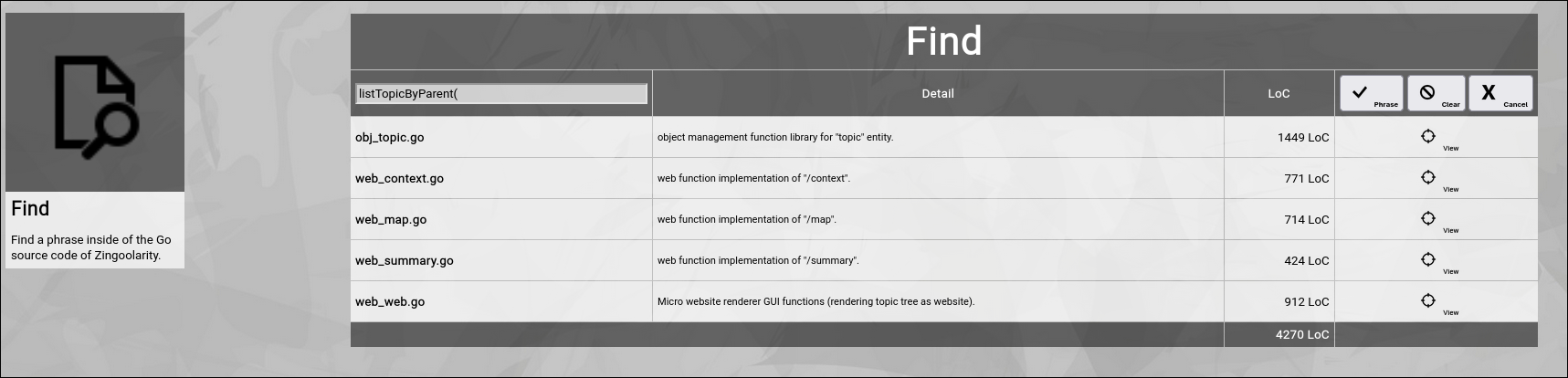
The Find function allows you to search all source code files of Zingoolarity for a certain phrase.

This is helpful, if you want to do code modifications and need to assess the code segments, which you have to change.

For example:
If you want to understand, which modules use the listTopicByParent() function, you can simply search for

listTopicByParent(

The function will list all source code files, which contain this phrase.


(Find screen of Zingoolarity)

You can click on the filename (or the View button on the right) to display the color-highlighted source code, if you want to study the code in detail.

Please note that this command does not allow editing of the source code.

Checking for Missing Translations

Checking for Missing Translations

The Missing function requires the specification of a translation language file available in Zingoolarity.

It allows you to validate, if all phrases in the application are really translated or whether one or more of the translations are missing.

To verify this for example for the german translation, enter

lang_german.go

By default, the currently selected language file is being rendered (english).

This function is used by the application developers during code quality assurance.


(Missing screen of Zingoolarity)

Checking for Superfluous Translations

Checking for Superfluous Translations

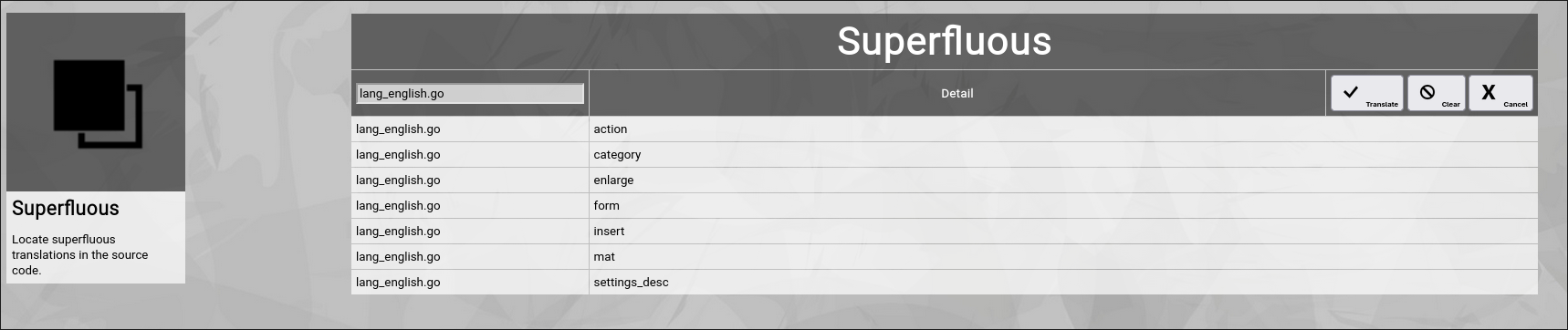
The Superfluous function requires the specification of a translation language file available in Zingoolarity.

It allows you to validate, whether there is one or more superfluous translations in the specified language file, which can be removed.

This command is used by the application developers during code quality assurance.


(Superfluous screen of Zingoolarity)

Importing Data

Importing Data

The Import function allows you to import a previously exported file containing any of the Zingoolarity data objects into your Zingoolarity instance.

This function can also be used to move data from one instance to another.

Import data is formatted in ZML.
Here is an example for an export file containing two roles:

[role]
[id]cpo[/id]
[name]CPO[/name]
[detail]The chief product owner steers the entire product portfolio.[/detail]
[active]1[/active]
[lead]1[/lead]
[sort]0[/sort]
[/role]

[role]
[id]po[/id]
[name]PO[/name]
[detail]The product owner is responsible for managing the product.[/detail]
[active]1[/active]
[lead]1[/lead]
[sort]1[/sort]
[/role]

Export files can also be modified before importing them again, because they are plain text files.

Such a file can contain a collection of different Zingoolarity object types.

If an object with the same ID already exists in the database, Zingoolarity will skip the object during import (not performing an update).

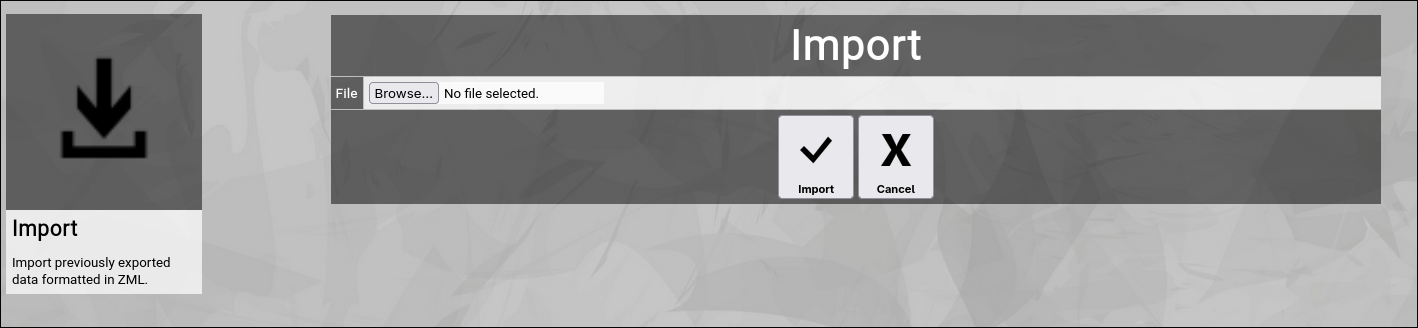
To initiate an import, select the Import function from the main menu or the home screen:


(Import screen of Zingoolarity)

Click the Browse button and select a ZML file from your local storage.

To start the import, click the Import button.

The Cancel button will return to the home screen without performing the import.

At the end of the import, Zingoolarity will show an overview of how many objects of a given type have been successfully imported or ignored (due to duplicates).

Please note again, that exporting as well as importing requires administrative privileges.

Checking Data Model Integrity

Checking Datamodel Integrity

When you import data into your Zingoolarity instance, it might happen that you import data, which has relations to other data objects, which are not present in your Zingoolarity instance.

For example you may have imported some topics which use a custom state (e.g. in decision with the ID decision), which is not available in your Zingoolarity instance.

The database of Zingoolarity does not directly enforce these foreign key relationships for flexibility reasons; instead the Zingoolarity application assures the proper checking of relations during (for example) a delete operation.

You can use the Integrity function to verify all relations in the entire database (for example after an import), to make sure everything is in place.

Select the Integrity function from the main menu or the home screen:
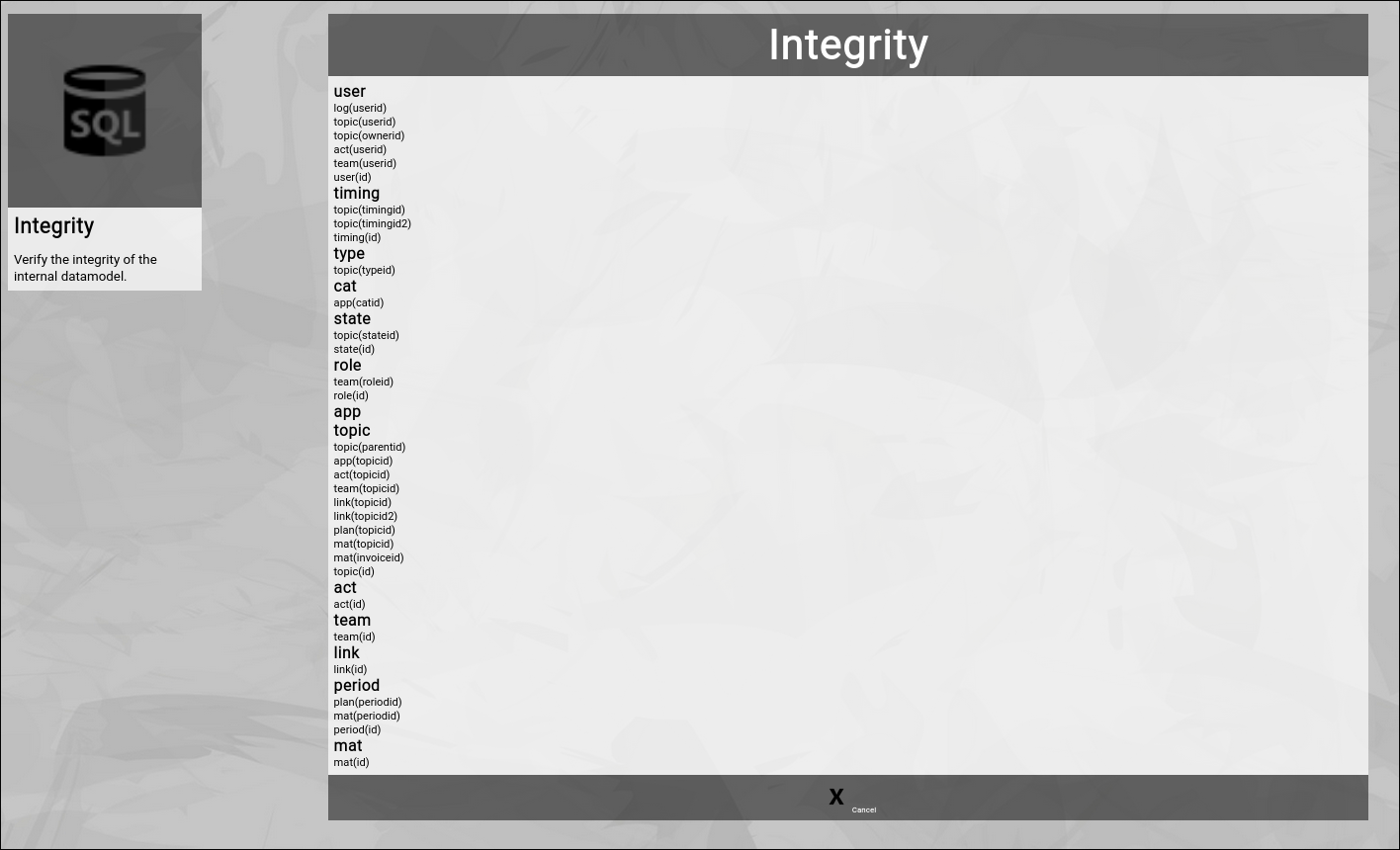

(Integrity screen of Zingoolarity)

Zingoolarity will list all data objects and their primary ID foreign key relations.

Whenever something is encountered, which has a missing key, the concreted key ID is dumped in RED to the screen.

This gives you a chance to manually add the missing record and thereby fix the situation.

What will happen if foreign keys are missing?

In nearly all the cases, the related record will simply not show up in the frontend of Zingoolarity.

If you for example imported a topic with a state, which does not exist in your instance, the topic will simply not show up in the lists or the search and the record cannot be edited.

As soon as you add the missing state, the topic will automatically appear again.

Performing an Update

Performing an Update

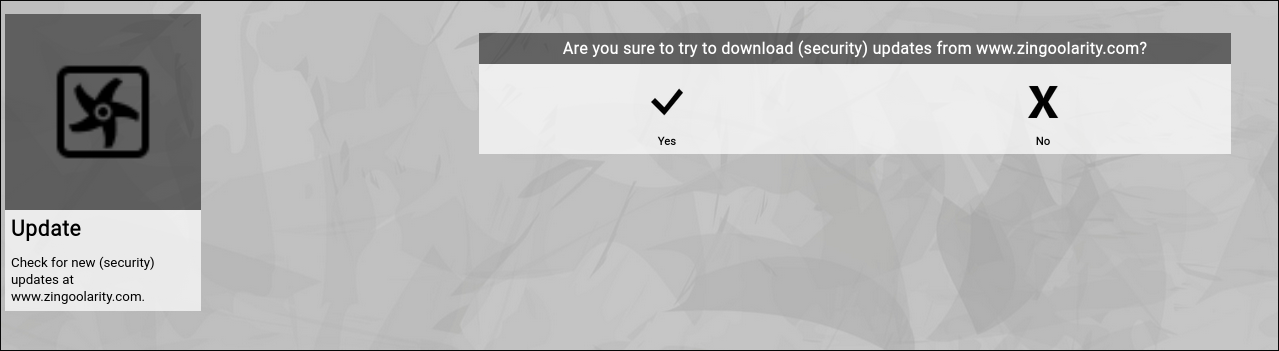
The Update function will contact the official website www.zingoolarity.com and will try to locate any official updates.

If updates are found, they will be automatically downloaded.

To activate a successful update, you need to restart your Zingoolarity instance afterwards.


(Update screen of Zingoolarity)

Restarting an Instance

Restarting an Instance

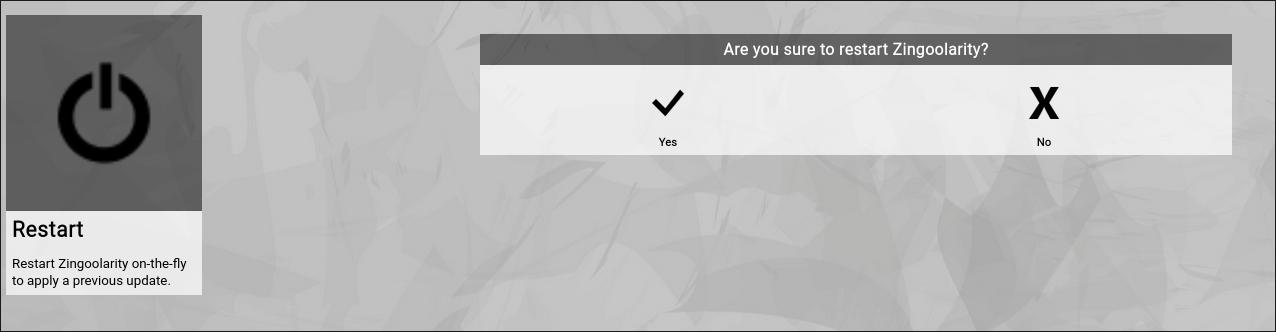
The Restart function will gracefully shutdown the currently running Zingoolarity process and will restart it.

This function is helpful after an update of the server-side configuration (for example if you made changes to the global configuration file zingoolarity.ini) or if you deployed a new release of Zingoolarity.


(Restart screen of Zingoolarity)

Shutting Down an Instance

Shutting Down an Instance

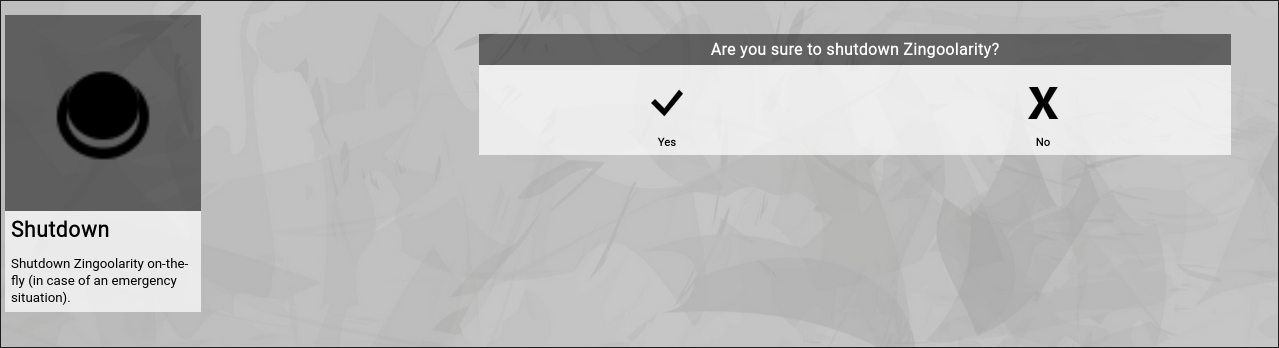
The Shutdown function will shutdown the Zingoolarity server process in a graceful manner by closing all resources and exiting.

This function is provided for an emergency situation (for example if you need to stop all access to the Zingoolarity instance for security reasons), as you need operating system access to restart the process afterwards.


(Shutdown screen of Zingoolarity)