|
|---|
 |
 |
|---|
 |
|---|
 |
|---|
|
|
|---|
 | Zingoolarity Homepage | | TOPICS | | Global Search |
| Global Search |
|---|
Global SearchThe global search functionality is directly available from the right side of the top level menu bar:
You just need to enter a search phrase in the "Search” field and hit the "Search” button to start the search. The Global Search will try to locate the entered phrase in the names of the following Zingoolarity data objects:
This allows you to search for any of the above things in a uniform and simplified way. You can for example enter part of a user name (e.g. "rose”) to locate the matching users. Here is an example output for search phrase "rose”:
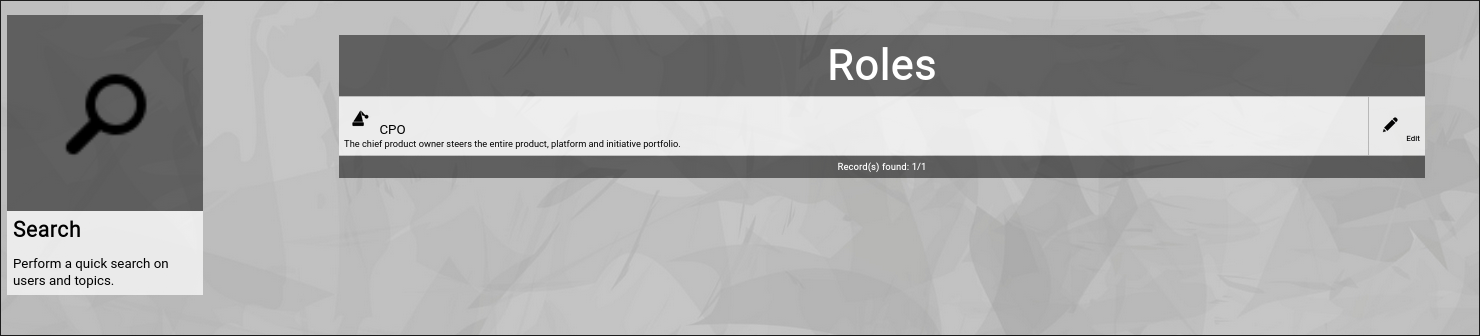
And here is another one for search phrase "cpo”:
You can either click on the name of a data object or on the "Edit” button to invoke the related object editor screen. The exception is the "topic data object”: If you click on the topic name, it will by default invoke the Contextchart view with focus on the topic. From there you can easily switch the view mode to something else (e.g. Roadmap view mode). More detailed searchThe global search function is provided for quick and easy casual search. You can use the different Zingoolarity data object browsers (explained further down in this getting started guide) if you need more object-specific filtering capabilities. |