The Capability Map
The capability map is a graphical map, which is automatically generated from your structured business capability information.
The overall structure can be maintained with the help of the Capability Browser (see for more details).
You can invoke the capability map from the home page or the main menu by clicking on "Capability Map":
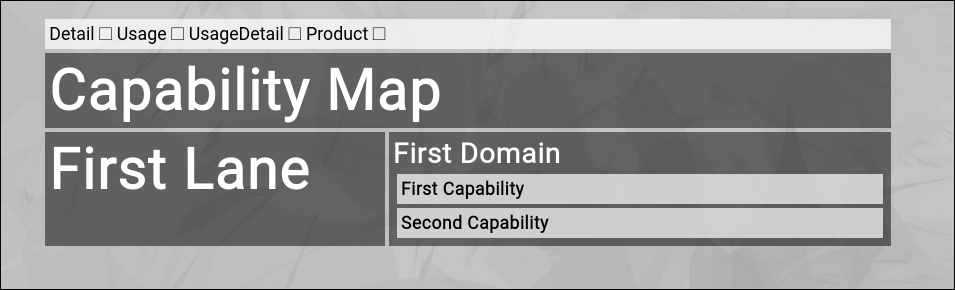
(The Zingoolarity capability map filled with demo data)
Customizing your View
On top of the map you can find 5 toggles:
- Detail
The "Detail" toggle activates or deactivates the display of the detailed description of every item in the map.
- Usage
The "Usage" toggle activates or deactives the display of the usage intersections of capabilities, applications and topics (topics represent parts of your product map).
Activating this will generates a color-coded view based on the cycles, which is the equivalent of a target architecture map.
- Usage Detail
The "Usage Detail" toggle activates or deactives the display of the optional description of the usages.
This is only visible if the "Usage" toggle is already active.
- Product
The "Product" toggle will add the product name to the usage view.
This is only visible if the "Usage" toggle is already active.
- Hilite
The "Hilite" toggle resets all accumulated highlighting of applications in the map.
To hilite an individual application, click the small checkbox in front of the application name anywhere on the map (this works only if you have activate "Usage Detail" first).
All other usages of the same application will be marked with a rotating flashing marker, so that you can easily spot all the different capabilities on the map, for which the application is being used.
|





