Recovering an existing User Account
Select the Recover option from the Zingoolarity home page or the main menu.
If you have just registered a new user account with your Zingoolarity instance (or if you need to login to Zingoolarity from a new computing device), you can obtain your personal secret certificate by entering your email address here.
Zingoolarity optionally allows you to recover for different so-called realms.
The default realm is called zingoolarity.
A realm is basically a completely separate and isolated database with its own Zingoolarity data objects.
It allows you to run for example different unrelated companies on the same Zingoolarity instance.
By default, the currently selected realm is used.
You can (and should) override it, if your company runs in a different realm.
In this case, select the correct realm first.
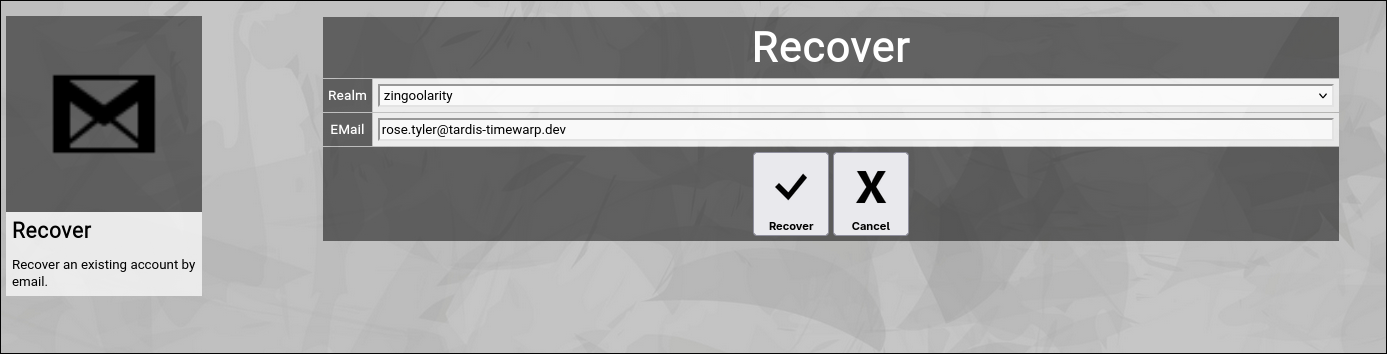
(Zingoolarity recover screen)
After clicking the Recover button, your Zingoolarity instance will send you an email, which contains a URL.
This URL will open the Login screen of your Zingoolarity instance with your personal secret certificate automatically filled in, so that you only need to click the Login button to login with the associated user account.
If no user account is associated with the entered email address, you will see an error message related to that. | 




