Login with your Personal Secret Certificate
Select the Login option from the Zingoolarity home page or the main menu.
This screen will also be automatically invoked, if you click on the URL in the user account recovery email, which you can obtain by using the Recover option.
If you invoke the Login screen manually, you need to copy-and-paste your personal secret certificate manually from where you stored it (hopefully in a safe place!).
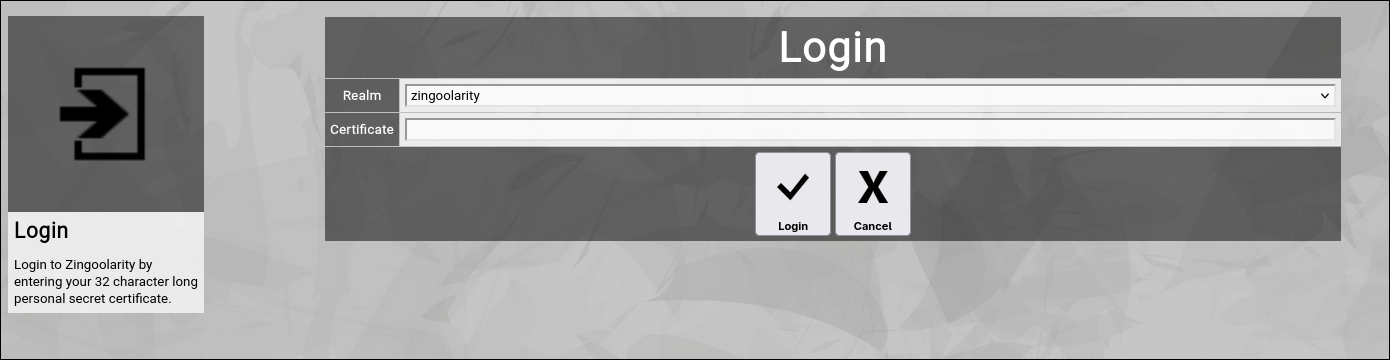
(Zingoolarity login screen)
Zingoolarity optionally allows you to login to different so-called realms.
The default realm is called zingoolarity.
A realm is basically a completely separate and isolated database with its own Zingoolarity data objects.
It allows you to run for example different unrelated companies on the same Zingoolarity instance.
If you invoked the login screen by following the link in your personal secret email which you received from Zingoolarity, the correct realm is automatically selected.
If you manually copy and paste your personal secret certificate, please enter the correct realm first.
Your personal secret certificate is by intention only barely readable when entered or pasted here (for security reasons).
Please note that login only completes successfully, if your user account is active.
If you have freshly registered, your new user account might still need to be approved by one of the administrators of your Zingoolarity instance.
Until this happens, your newly requested user account is inactive.
Please be patient. | 




