The Main Menu
The home page of your Zingoolarity installation shows the available options in detail.
If you only want to quick-pick an option, the Zingoolarity main menu comes in handy.
You can open the main menu by clicking on the Zingoolarity icon in the upper-left corner of the screen:
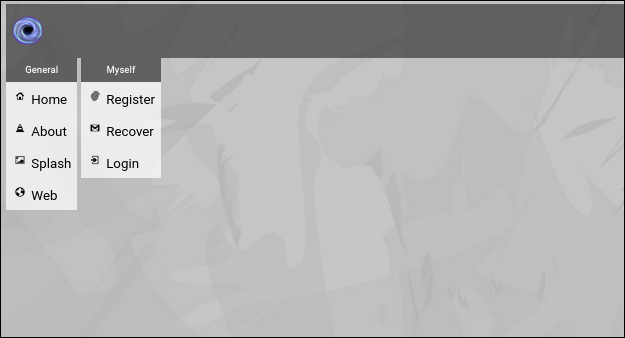
(Zingoolarity main menu without login)
It shows exactly the same options as the home page, but only the icons and names (which is good enough after some time using Zingoolarity).
Clicking on the Zingoolarity icon again will bring you back to the previous screen (in this case the home page).
In the same way as the home page, the content of the main menu depends on your login state and your privileges.
Here is an example with full administrative rights:
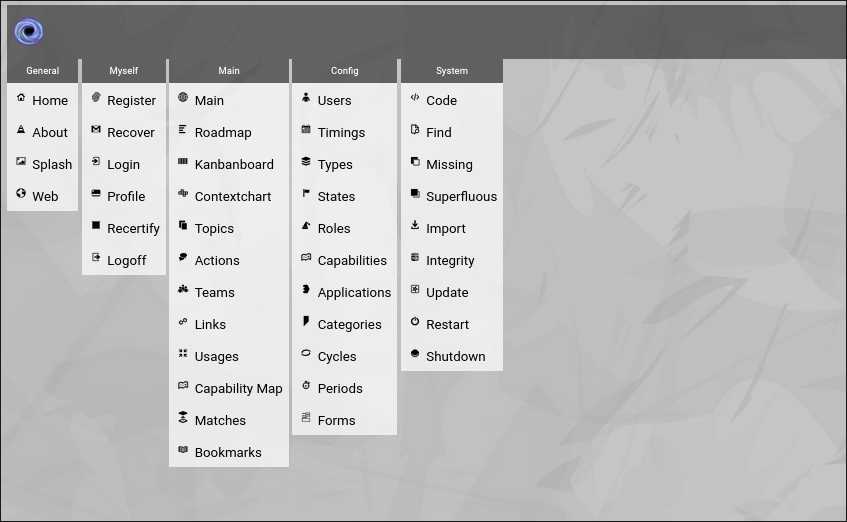
(Zingoolarity main menu with full administrative rights)
| 




