Recertify your User Account
This option is only available if you already logged in with a valid user account.
Select the Recertify option from the Zingoolarity home page or the main menu.
If you are suspicious, that your user account has been somehow compromised (for example: you shared by accident the email with your personal secret certificate with someone), you can recertify your account at any time.
This will automatically create a new random personal secret certificate, which you can obtain again by using the Recover option afterwards.
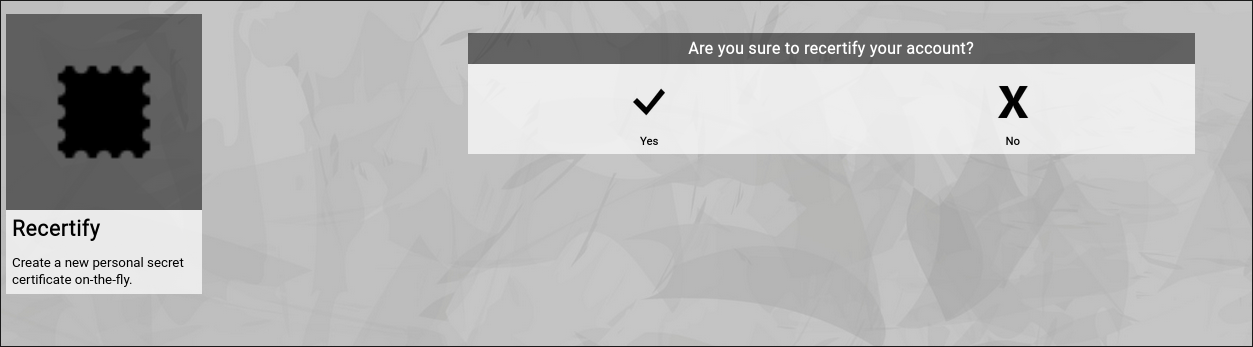
(Zingoolarity recertify screen)
This does not influence or invalidate your current session with Zingoolarity; the new certificate is exchanged on-the-fly in the background.
If you are using Zingoolarity from different computing devices at the same time, the sessions on the other devices will be invalidated immediately and you need to re-login again with the new personal secret certificate. | 




