Duplicating+Replicating a Topic
Sometimes there is a need to duplicate a topic (much like a template), to use most of the field values as defaults and only change one or two fields of the copied topic afterwards.
You have two options to copy a topic:
Inside of the topic editor screen, use either the "Dup” or the "Replicate” button.
- Click the "Dup” button
The dup function tries to duplicate the current topic only.
To be able to duplicate a topic, you need ".w” (write) level access to it.
- Click the "Replicate” button
The replicate function tries to duplicate the current topic and all topics down below in a tree-like fashion.
Use this function if you want to duplicate an entire structure of topics (e.g. a roadmap and all its items).
Again, to be able to replicate a topic, you need ".w” (write) level access to it and all topics below.
Both functions require you to confirm the operation before it is executed:
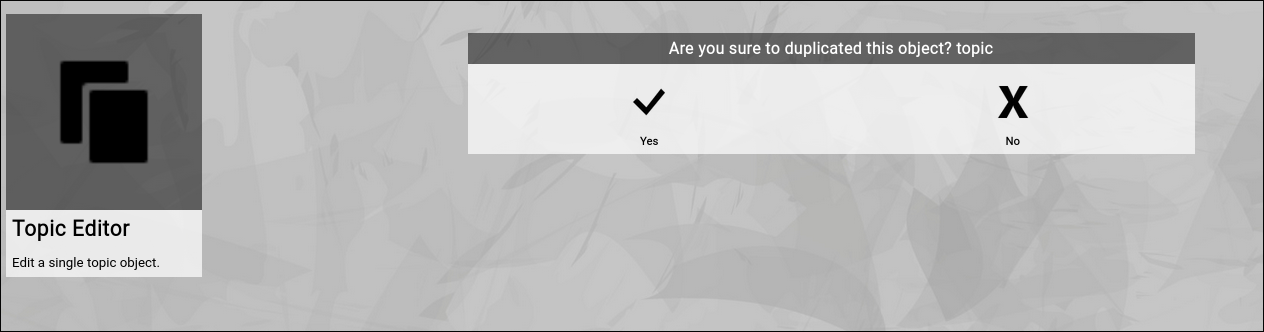
(Confirmation dialog of the Zingoolarity dup screen)
The new topic will be placed at the same parent topic, so it should be easy to find after you exit the editor screen and return to the previously shown map.
To move it somewhere else afterwards is easy by using the "Cut" and "Paste" functionality (explained later in this getting started guide). | 




