Registering a new User Account
Select the Register option from the Zingoolarity home page or the main menu.
If you have no user account for your Zingoolarity instance yet, you can easily register your email address for a new account here.
Zingoolarity optionally allows you to register in different so-called realms.
The default realm is called zingoolarity.
A realm is basically a completely separate and isolated database with its own Zingoolarity data objects.
It allows you to run for example different unrelated companies on the same Zingoolarity instance.
By default, the currently selected realm is used.
You can (and should) override it, if your company runs in a different realm.
In this case, select the correct realm first.
Enter your full name (Firstname Lastname), your full email address and some details about you (e.g. your role in the company).
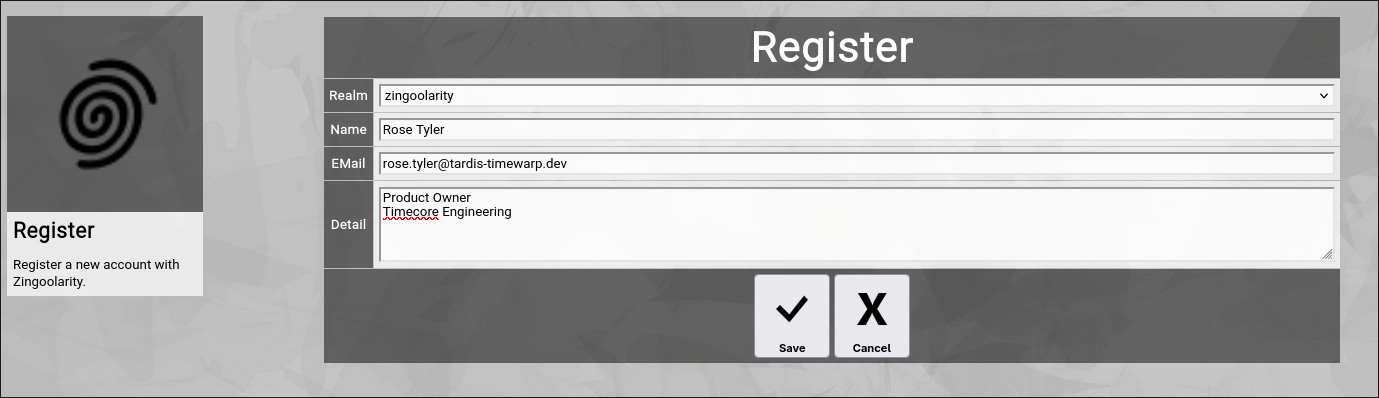
(Zingoolarity register screen)
If you have filled in the three fields and click the Save button, Zingoolarity will validate your input and if all fields are properly set, the new Register button will be shown:
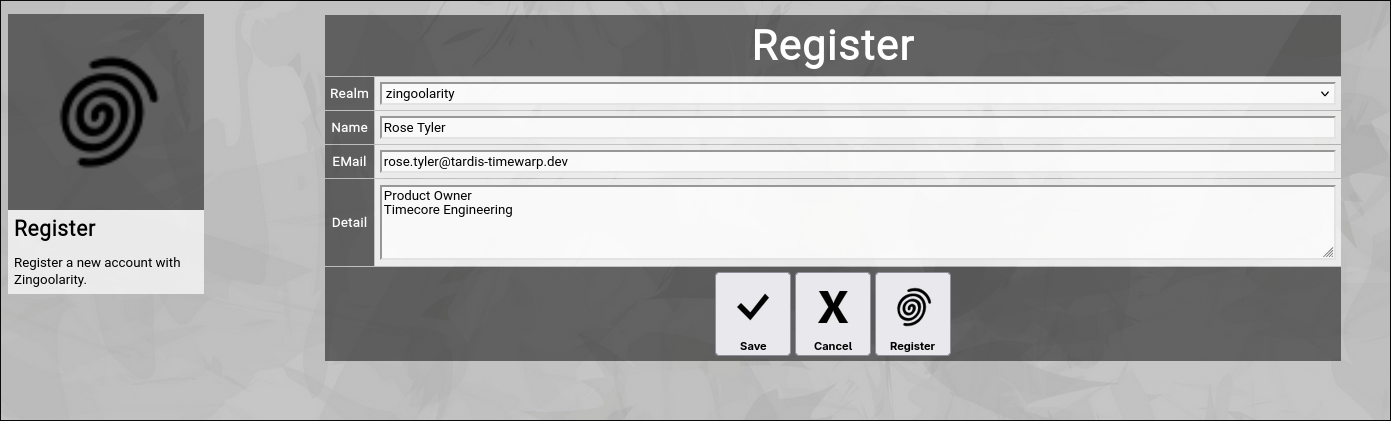
(Zingoolarity register screen after successful pre-validation of input)
Click this new Register button and Zingoolarity will create your new account.
Please note that your account needs the approval of one of the administrators of your Zingoolarity instance, before you can actually login.
But this does not prevent you from the next step:
Recovering your account via email. | 




