Viewing the Transaction Log
Each an every editor screen in Zingoolarity contains a "Log” button.
This allows you to view the integrated automatic transaction log for the data object in context.
The transaction log records every data change for a given data object for auditing purposes.
It will never be physically deleted.
It will only become unavailable for access by the Zingoolarity app, if the associated object is being deleted.
Nevertheless the data is still available for forensic purposes and can be analyzed by system level administrators should the need arise.
A typical transaction log (in this case for a topic) looks like this:
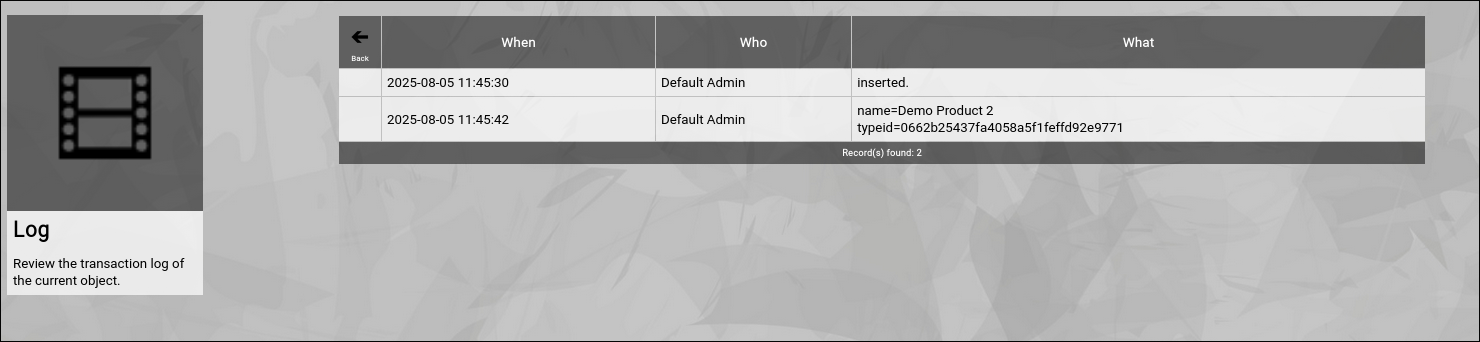
(Example of a Zingoolarity transaction log screen)
It shows who changed what and when.
Going Back to the Topic
You can click the "Back” button in the upper-left corner to return to the previous screen (in this case, the topic editor screen). | 




